Scenarios for comfortable movie and series viewing
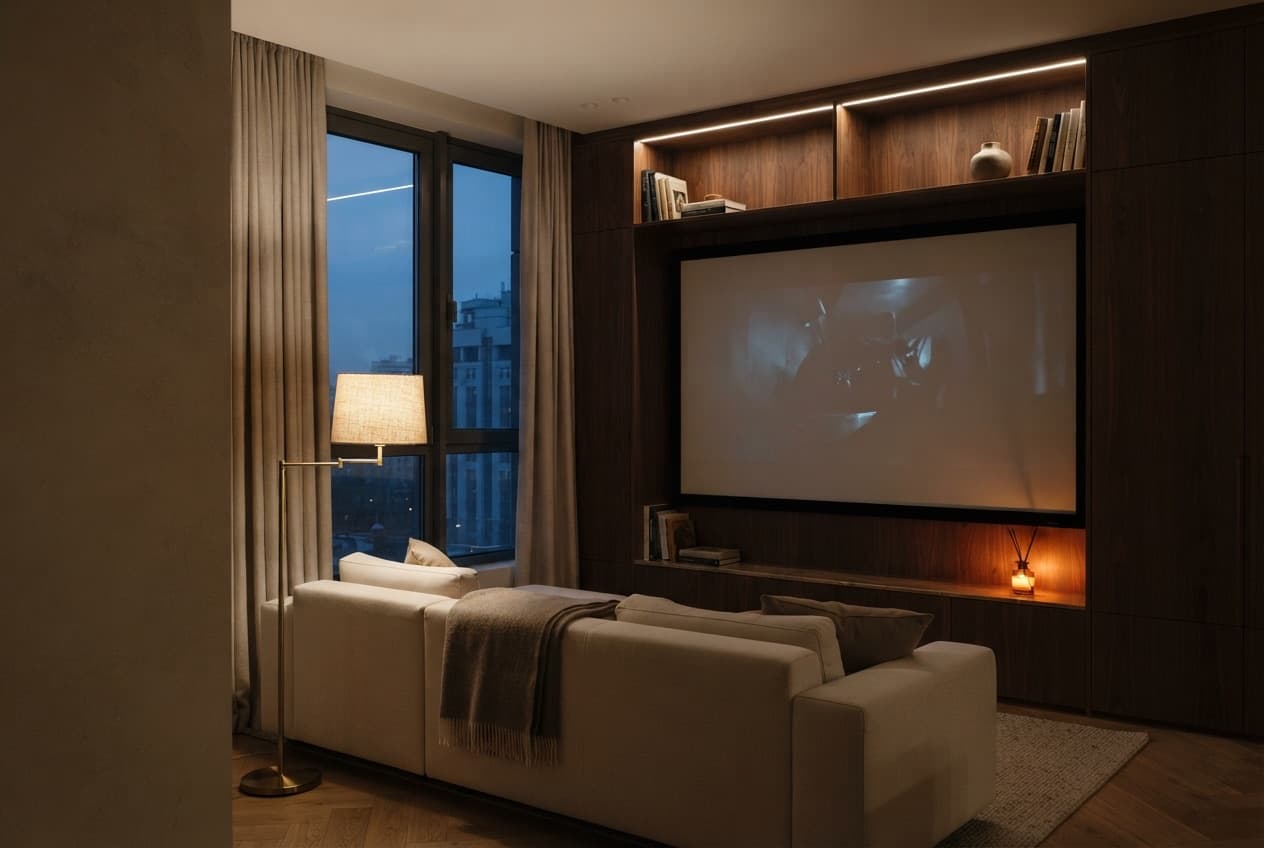
Scenarios for comfortable movie and series viewing launch the home theater with a single button or voice command to the voice assistant. The room lighting dims to a level that doesn't strain the eyes, motorised blinds or shutters close to block glare on the screen, and the audio switches to the sound system instead of the TV's built-in speakers.
How the home prepares the room for viewing
LUMUX engineers configure the setup for specific equipment in the living room: multimedia and appliances combine the TV, projector, audio, and lighting into a single startup command. Additionally, you can connect motorised blinds and shades to darken the room without having to go to the window.
- Light dims to a comfortable level for the eyes
- Motorised blinds close, eliminating glare on the screen.
- Sound switches to the acoustic system automatically
- After pausing or finishing a movie, the house returns to normal lighting.
After the credits, the same house smoothly returns to its usual evening routine — the lighting and climate control automatically adjust to whatever you do next. Scenarios for comfortable movie and series viewing are set up once when connecting your media, and used every single evening without exception and without extra effort. More similar combinations are in the smart home scenarios section.
Still have questions?
Frequently Asked Questions.
What do people ask before ordering
Yes, exactly one scenario: the lights dim, the motorised blinds or shutters close, and the audio switches to the sound system with a single command — a button or voice. LUMUX engineers set up this bundle during the multimedia integration stage in the living room, combining different devices into a single launch.
Yes, this is part of the same logic: after a pause or the end of a movie, the house returns to normal lighting instead of leaving the room in darkness. The sequence is configured once when connecting the media system, and you use it every evening without any extra actions on your part.
The engineer checks the compatibility of specific equipment during the consultation stage and selects a solution to fit the existing setup. Modern equipment can almost always be integrated into the overall scenario; for non-standard or older models, the issue is resolved individually during the project analysis.
Yes, the entire sequence — lights, motorised blinds, sound — is triggered by a single phrase to the voice assistant, just like with a button in the app or on the panel. The choice of method depends solely on what is more convenient at the moment: the remote controls for the equipment remain available as a backup option.
Our warranties
Without chasing and dust
Quote in the calculator — no hidden extra charges
Warranty on equipment and installation
Available after handover
Scenarios for comfortable movie and series viewing — customized for your lifestyle
Free engineer consultation: we'll select solutions to match your interior and budget, calculate the turnkey cost.